
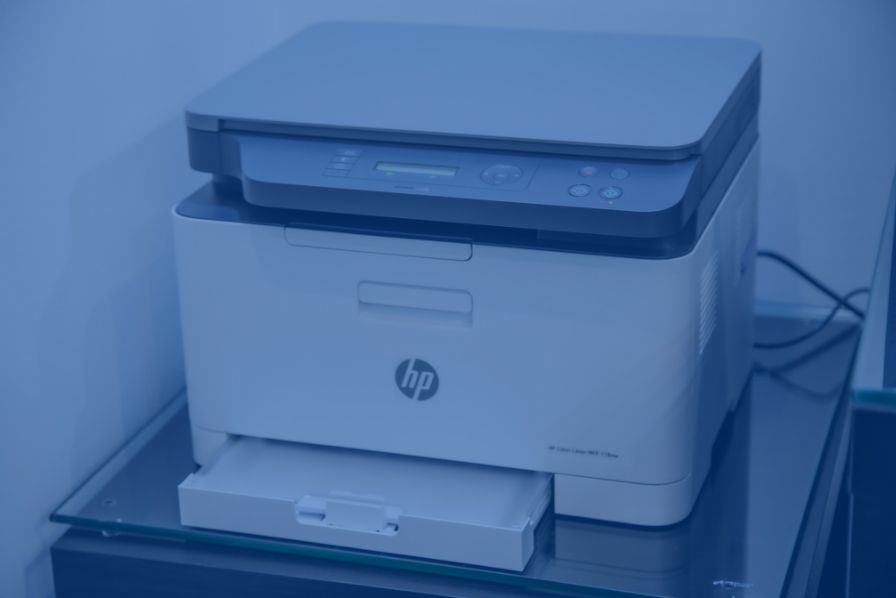
Home printers are one of the more difficult items to pack and move from our home office. Whether it’s the delicate parts or awkward shape and weight of your printer, it can be hard to know the best practise to get it to its new spot. The good news is that it’s simple once you know how.
To pack a printer for the big move,
- Remove paper, ink and cables.
- Dust and clean printer.
- Wrap in bubble wrap.
- Put printer in secure box.
- Fill gaps in box with protective materials.
- Clearly label box.
We’ve broken down these steps below.
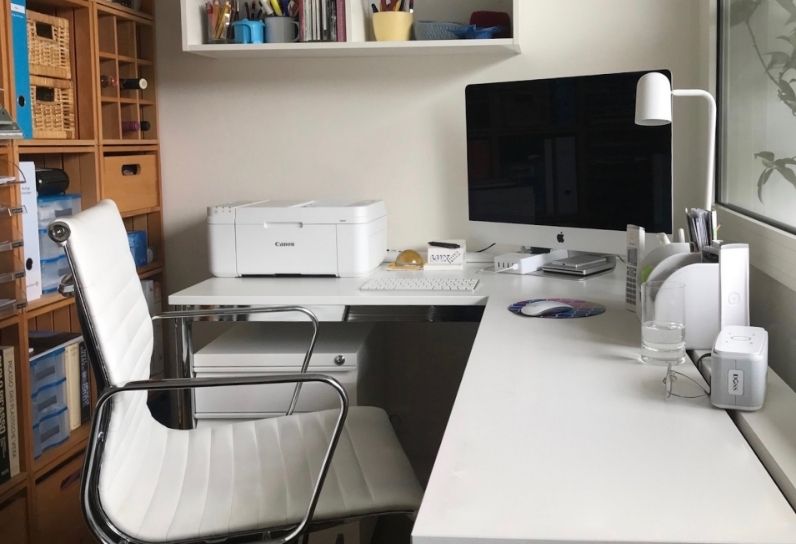
1. Remove Paper, Ink and Cables
You should never leave paper and ink cartridges inside your printer when it is in transit, so remove these first.
How you do this will depend on the type of printer you have. Make sure you consult your manual or Google on how to remove the paper and ink from your specific printer.
Once the cartridges are out, you should wrap them in soft paper and place them inside a sealable bag to catch any ink that might leak. As for the paper, you can put this in a document file or other similar storage container.
At this point, it is also a good idea to remove and pack the cables attached to your printer. This step is quite simple: just take out the cables and place them in a labelled box. You can use cable ties to keep them separate and organised.
2. Dust and Clean Printer
If there is excess dust or dirt on your printer, give it a good clean before you wrap it. Although this step is not essential, it stops grime from entering your new home — and potentially causing long-term damage to your printer.
3. Wrap in Bubble Wrap
Next, it’s time to protect the printer. Close all non-removable trays and panels and secure them with tape to prevent them from opening when in transit.
Once this is done, you should wrap the entire printer in a few layers of bubble wrap, leaving no part exposed, and secure with packing tape.
4. Put Printer in Secure Box
This step is the most simple: put the wrapped printer in a secure box. For extra protection, you can add another layer of bubble wrap on the base and sides of the box before the printer goes in.
5. Fill Box with Protective Materials
When the printer is in its box, assess whether it needs more protection. To do this, check for gaps where the printer could move (and get damaged) in transit. Fill these gaps with protective materials like packing peanuts, newspaper or more bubble wrap.
6. Clearly Label Box
Secure the box with strong tape and make sure you label it. Warn your movers that it is fragile with “FRAGILE” tape or written “CAREFUL” labels.
–
At Falconers we use meticulous moving techniques, passed down and perfected through generations for over 132 years, to ensure your printer and other valuables are moved and kept in perfect condition. Rest assured that your move will be completed with expert precision.
To learn more about our removals service, or our storage facilities, take a look at out our website or contact Nathan.
For more on how to move your computer and indoors furniture, and other helpful moving advice, check out our other posts on our website.
